
GPA & CGPA Calculator
Results
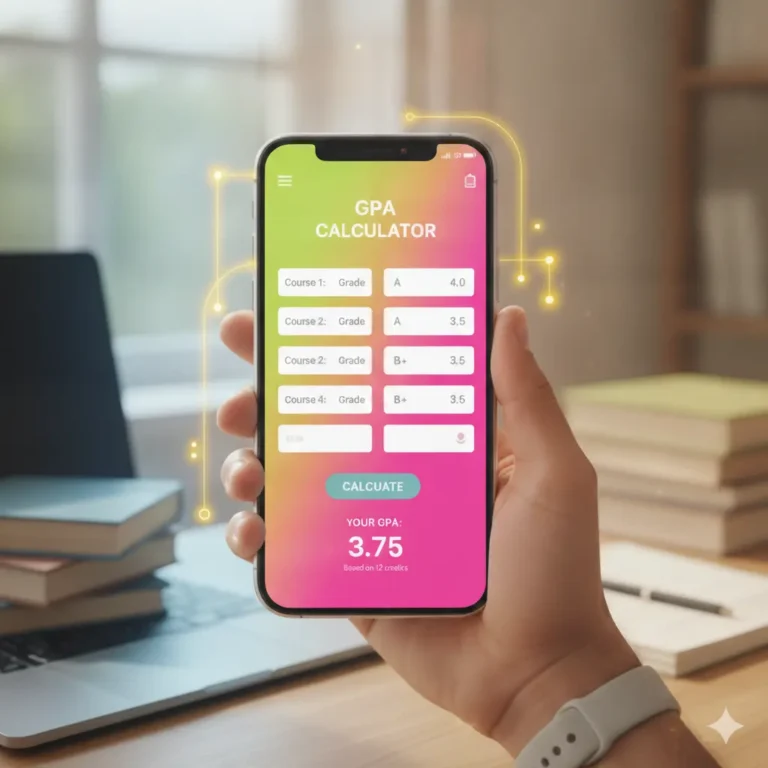
About GPA & CGPA Calculator
A GPA (Grade Point Average) calculator measures academic performance for a single term or semester. A CGPA (Cumulative Grade Point Average) calculator measures the average of all your GPA scores combined throughout the entire academic program.
This GPA & CGPA calculator can be utilized as a standalone GPA calculator and also as a CGPA calculator. This online tool is simple and completely free to use. Our GPA & CGPA calculator is easy to use and handy for the students to calculate the GPA and CGPA.
Formula Used:
Below is the formula used for GPA and CGPA calculation.
GPA Formula (per semester):
GPA = (Σ grade point × credit hours) ÷ (Σ credit hours)
CGPA Formula (cumulative, across all semesters):
GPA = (Σ grade point × credit hours) ÷ (Σ credit hours)
How to Use (Simple Steps):
- Choose your input mode: Select whether you want to enter results as a grade (A, B+, etc.) or percentage using the toggle at the top.
- Add your subjects: Each semester comes with a few subject rows by default. Click + Add Subject to add more, or click the X button to remove one.
- Enter subject details: For each subject, type the subject name, select the grade (or enter the percentage), and enter the credit hours.
- Add more semesters: Click + Add Semester to create a new semester block, and repeat steps 2–3 for each one.
- Remove a semester (if needed): Click Remove in a semester’s header to delete it entirely.
- Calculate your results: Click Calculate CGPA to instantly see your GPA for each semester and your overall CGPA.
- Print your report: Once results appear, click the Print button to generate a clean, printable report with all your subjects, grades, and your final CGPA.
Grade Points Table:
Below is the grade point scaling used as the base calculation in this online GPA and CGPA calculation tool.
| Grade | Percentage range | Grade point |
|---|
Frequently Asked Questions (FAQs)
Because semesters often carry different numbers of credit hours. A simple average would treat a 12-credit semester the same as an 18-credit one, which skews the result.
Yes, the Grade/Percentage toggle at the top switches the whole calculator’s input mode.
It maps your percentage to a letter grade using standard cutoffs (e.g., 85–100 = A = 4.0), then uses that grade point in the calculation.
No, it’s an estimate based on standard grading conventions. Always confirm your actual CGPA with your institution’s transcript or registrar.
Use the official credit hours assigned to each subject/course, as listed in your course catalog or transcript.